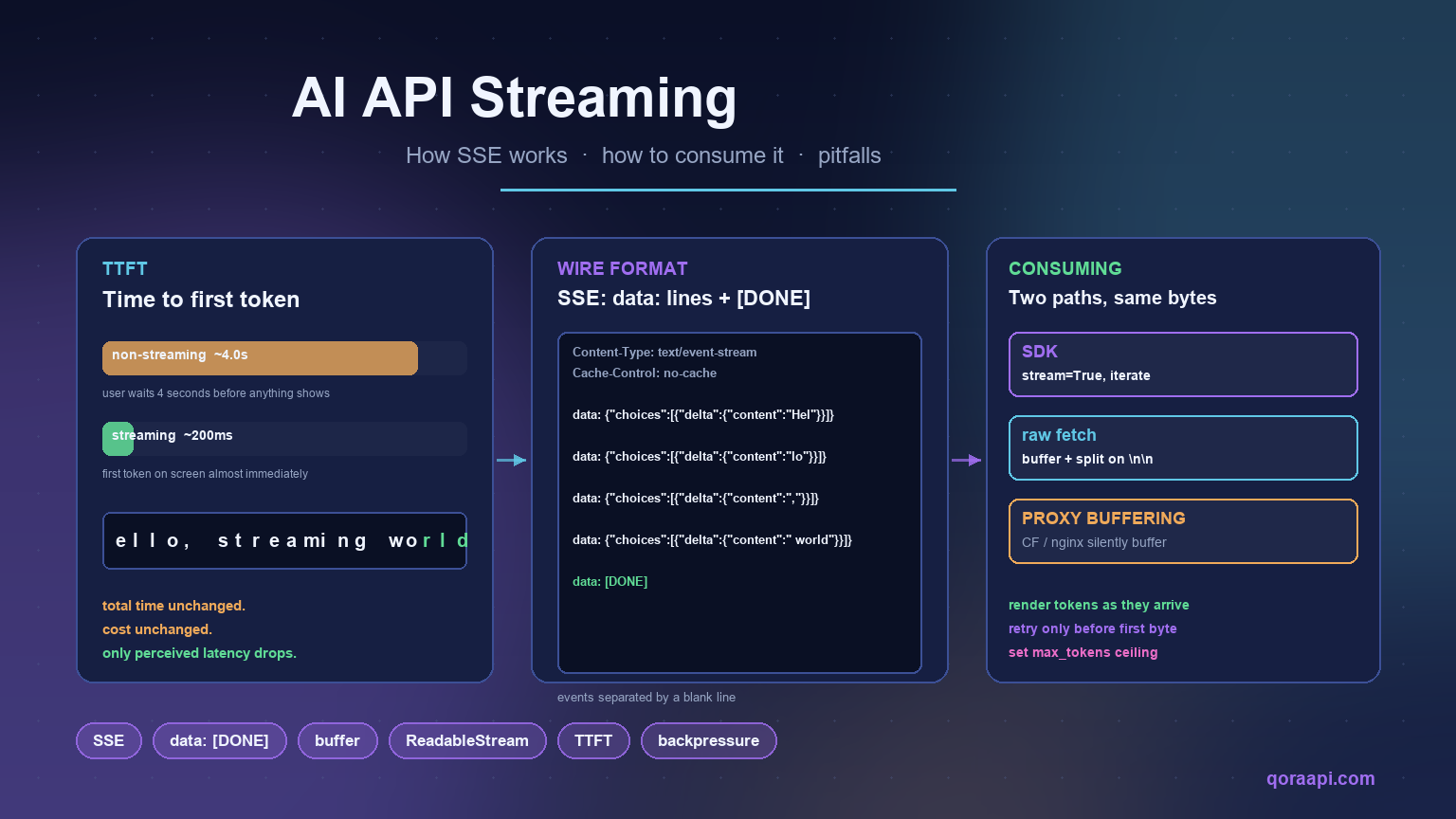
AI API streaming is what lets users see the model’s answer as it is generated rather than waiting for the whole response. The model still produces the same tokens, costs the same amount, and takes the same total time — what changes is when the bytes reach your client. For chat interfaces, autocomplete, and any interactive surface, that single change is often the difference between a product that feels alive and one that feels slow.
Under the hood, streaming is just Server-Sent Events over HTTP. The wire format is simple, every major AI provider speaks it, and the SDKs handle the parsing for you. The interesting questions are at the edges: how to handle buffered responses, how to combine streaming with function calling, what to do when a network connection drops mid-response, and how to make sure cost and reliability work stay intact when bytes arrive one chunk at a time instead of one body. This guide covers all of that, with code that runs unmodified against any OpenAI-compatible endpoint.
Why streaming matters
The total time to generate an answer is mostly model inference time, and streaming cannot shorten it — the GPU produces the same tokens at the same rate regardless. What streaming changes is time to first token (TTFT): how long the user waits before anything appears on screen. On a 500-token answer that takes four seconds end-to-end, TTFT typically drops from ~4s to ~200ms with streaming, which is the difference between “the page is broken” and “the page is working”.
Three properties of streaming matter in production:
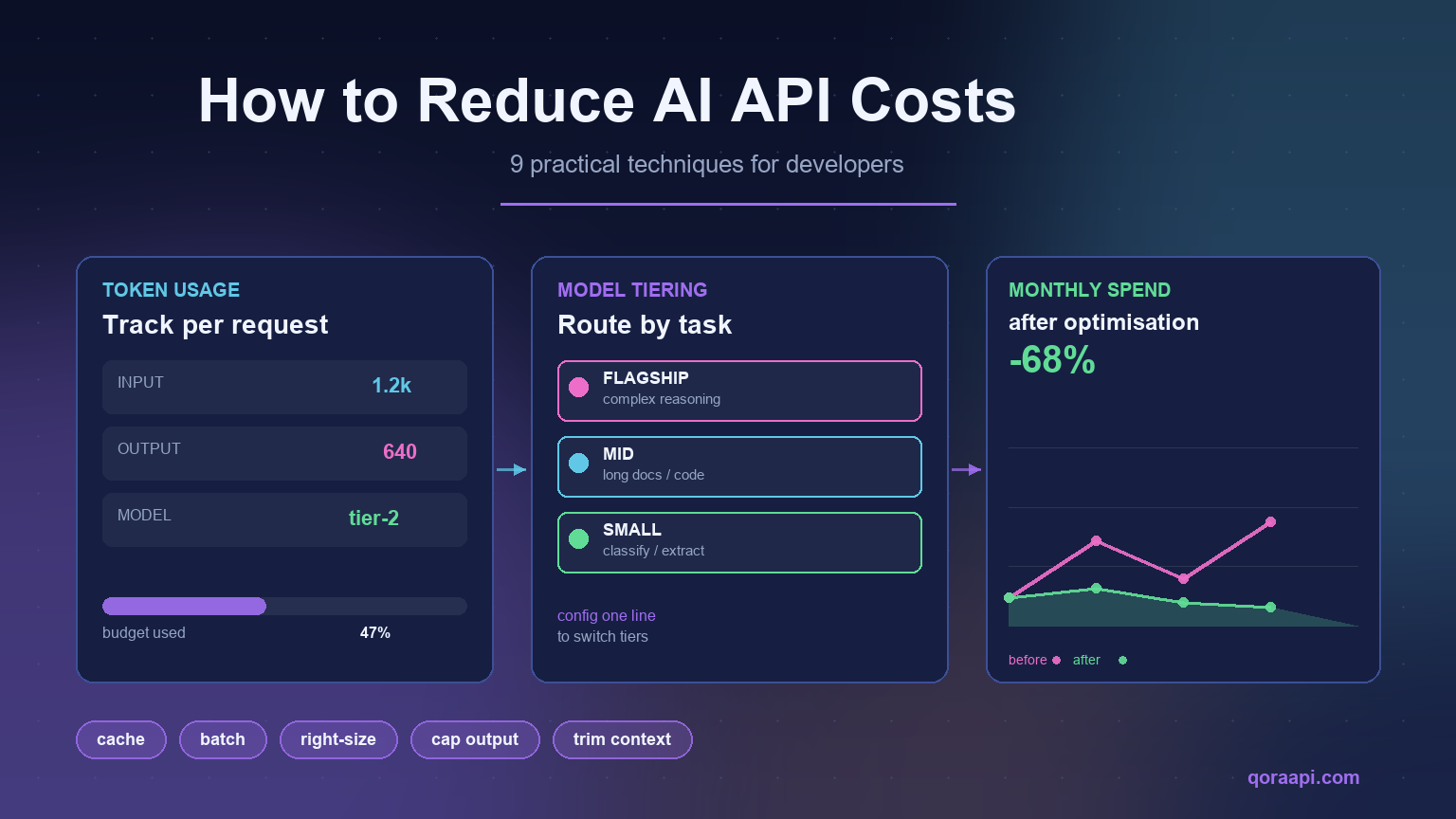
- Same cost. You are billed for every token the model produces, delivered or not. Streaming does not reduce spend; it changes the user experience. Our guide to reducing AI API costs covers the patterns that do.
- Same total time. Inference throughput is what it is. Streaming exposes the same work over more round trips rather than running it faster.
- Faster perceived latency. This is the only thing that improves — and for chat, autocomplete, and any “the user is waiting on this” surface, it is the only thing that matters.
Streaming vs non-streaming at a glance
| Dimension | Non-streaming | Streaming (SSE) |
|---|---|---|
| Time to first token | Waits for the entire completion | Tokens arrive as they are generated |
| Perceived latency | High for long answers | Low — the answer starts appearing immediately |
| Total cost | Same | Same |
| Total wall-clock time | Same | Same |
| Client complexity | One request, one parse | Event loop, partial parsing, reconnection logic |
| Best suited to | Batch jobs, classification, extraction, backend pipelines | Chat UIs, autocomplete, agents — any interactive surface |
| Failure handling | Retry the whole call | Must handle mid-stream drops and resume cleanly |
| Load-balancer impact | Short-lived connections | Long-lived connections — check idle timeouts |
How Server-Sent Events work on the wire
An AI API streaming response is an HTTP response with Content-Type: text/event-stream. The body is a stream of events, each event formatted as one or more field: value lines terminated by a blank line. The server flushes events as soon as they are ready, and the client parses them as they arrive.
HTTP/1.1 200 OK
Content-Type: text/event-stream
Cache-Control: no-cache
Connection: keep-alive

data: {"id":"chatcmpl-abc","object":"chat.completion.chunk","choices":[{"delta":{"content":"Hel"},"index":0}]}

data: {"id":"chatcmpl-abc","object":"chat.completion.chunk","choices":[{"delta":{"content":"lo"},"index":0}]}

data: {"id":"chatcmpl-abc","object":"chat.completion.chunk","choices":[{"delta":{"content":","},"index":0}]}

data: {"id":"chatcmpl-abc","object":"chat.completion.chunk","choices":[{"delta":{"content":" world"},"index":0}]}

data: [DONE]
Each data: line carries a JSON payload describing one chunk of the answer — typically a small delta containing the new tokens since the last chunk. The final event is data: [DONE], which is the signal that the response is complete. There is no event: field for chat completions; some other endpoints (like Assistants) use named event types for state transitions.
Consuming streams with the official SDKs
The OpenAI Python and Node SDKs handle SSE for you. You set stream=True on the request and iterate over the response — each iteration gives you a parsed chunk, no manual framing required:
from openai import OpenAI

client = OpenAI()

stream = client.chat.completions.create(
    model="gpt-4o",
    messages=[{"role": "user", "content": "Write a one-line haiku about streaming."}],
    stream=True,
)

full = []
for chunk in stream:
    delta = chunk.choices[0].delta.content
    if delta:
        full.append(delta)
        print(delta, end="", flush=True)
print()                              # newline after the stream completes
print("complete:", "".join(full))
The same call against an OpenAI-compatible endpoint works unchanged — just point the client at the relay’s base_url. Under the hood the SDK is doing exactly what you would do by hand: open an HTTP request, read the response line by line, parse each data: line as JSON, and yield the parsed object.
Consuming streams with raw fetch
Sometimes you do not want to pull in an SDK — for a serverless function, a small worker, or a custom client. Plain fetch with a streaming body works just as well. The pattern below runs in any modern JavaScript runtime and is what the SDK is doing internally:
const resp = await fetch("https://qoraapi.com/v1/chat/completions", {
  method: "POST",
  headers: {
    "Authorization": `Bearer ${apiKey}`,
    "Content-Type": "application/json",
  },
  body: JSON.stringify({
    model: "gpt-4o",
    messages: [{ role: "user", content: "Stream a one-line haiku." }],
    stream: true,
  }),
});

const reader = resp.body.getReader();
const decoder = new TextDecoder();
let buffer = "";

while (true) {
  const { value, done } = await reader.read();
  if (done) break;

  buffer += decoder.decode(value, { stream: true });

  // SSE events are separated by a blank line. Split on "\n\n"
  // and process every complete event in the buffer.
  let boundary;
  while ((boundary = buffer.indexOf("\n\n")) !== -1) {
    const event = buffer.slice(0, boundary);
    buffer = buffer.slice(boundary + 2);

    for (const line of event.split("\n")) {
      if (!line.startsWith("data:")) continue;
      const payload = line.slice(5).trim();
      if (payload === "[DONE]") return;
      const json = JSON.parse(payload);
      const delta = json.choices?.[0]?.delta?.content ?? "";
      process.stdout.write(delta);
    }
  }
}
The buffer is the key detail: SSE events are framed by blank lines, but a single network read can deliver a partial event, multiple events, or a multi-byte UTF-8 character split across two reads. Code that splits on "\n\n" without a buffer will silently truncate or corrupt the last chunk of every response.
Streaming with function calling
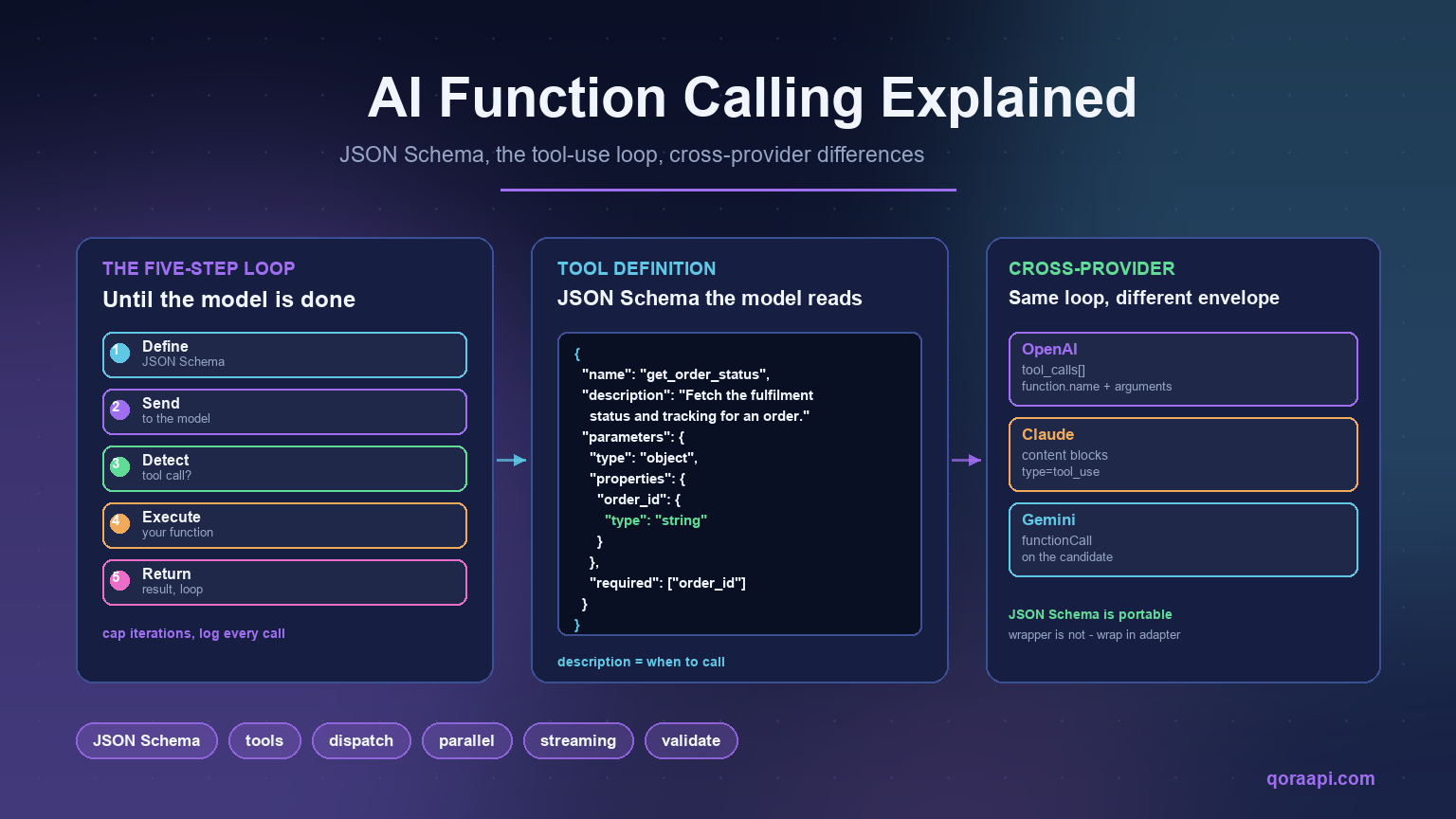
Streaming and function calling compose, but the way they compose matters. The model’s tool call is delivered as a complete structured object, not as a token stream — what streams is the reasoning before the call and the final text after the result. The OpenAI SDK accumulates the tool call into a complete object once the stream ends:
from openai import OpenAI

client = OpenAI()

stream = client.chat.completions.create(
    model="gpt-4o",
    messages=messages,
    tools=tools,
    stream=True,
)

# Accumulate the deltas into a single tool call.
tool_call_chunks = []
for chunk in stream:
    for delta in chunk.choices[0].delta.tool_calls or []:
        tool_call_chunks.append(delta)

# Stitch the streamed chunks into a complete tool_call.
final = tool_call_chunks[0]                          # shape stays the same
final.function.arguments = "".join(
    c.function.arguments for c in tool_call_chunks
)
If you want streaming for the surrounding text, this is the right shape: stream the visible content into the UI, accumulate the tool call in the background, and dispatch the function once the stream ends.
Common pitfalls in production
Most streaming bugs are not about the SDK. They come from the layer between the provider and your client — and they are worth knowing about before they reach production:
- Proxy buffering. Many HTTP proxies (Cloudflare, nginx with
proxy_buffering on, certain load balancers) buffer the entire response before passing it on. This silently turns streaming into a non-streaming response, and users see a long pause followed by the full answer. The fix is at the proxy: setX-Accel-Buffering: nofor the streaming path, or use HTTP/1.1 withTransfer-Encoding: chunked. - Gzip compression. A gzipped SSE response can look like garbage on a partial read because the gzip header is at the start and the body grows as new chunks arrive. Make sure your client supports streaming decompression, not a one-shot inflate.
- Lost connections. Mobile networks and aggressive proxies close idle HTTP connections. A long generation can exceed the idle timeout, and the client never sees
[DONE]. Either send keep-alive pings, set a server-side timeout that flushes a chunk periodically, or accept that very long streams need reconnect logic. - Truncated JSON. Each
data:line must be parsed independently. If a read delivers half a JSON payload, do not try to parse it — wait for the next chunk. Aggregating partial JSON across reads is one of the easiest ways to introduce subtle corruption. - Backpressure. If your consumer is slower than the producer, events buffer up in memory and eventually OOM. Real systems either enforce a max-buffer size, drop old events, or pause the producer.
Reliability, retries, and rate limits
Streaming responses do not play nicely with retries: a connection that drops mid-response has already produced some tokens, and the user has already seen them. Retry policies that assume the request either completed or did not begin will over-charge on streaming. Three rules keep this honest:
- Retry on connection errors before any bytes arrive. Once you have displayed a single token to the user, retrying the same request will bill the model twice for the same answer.
- Do not retry once the stream ends. If the stream completed (you saw
[DONE]or a finish reason), the request succeeded; a retry is a duplicate. - Back off with jitter when the provider throttles. A 429 with
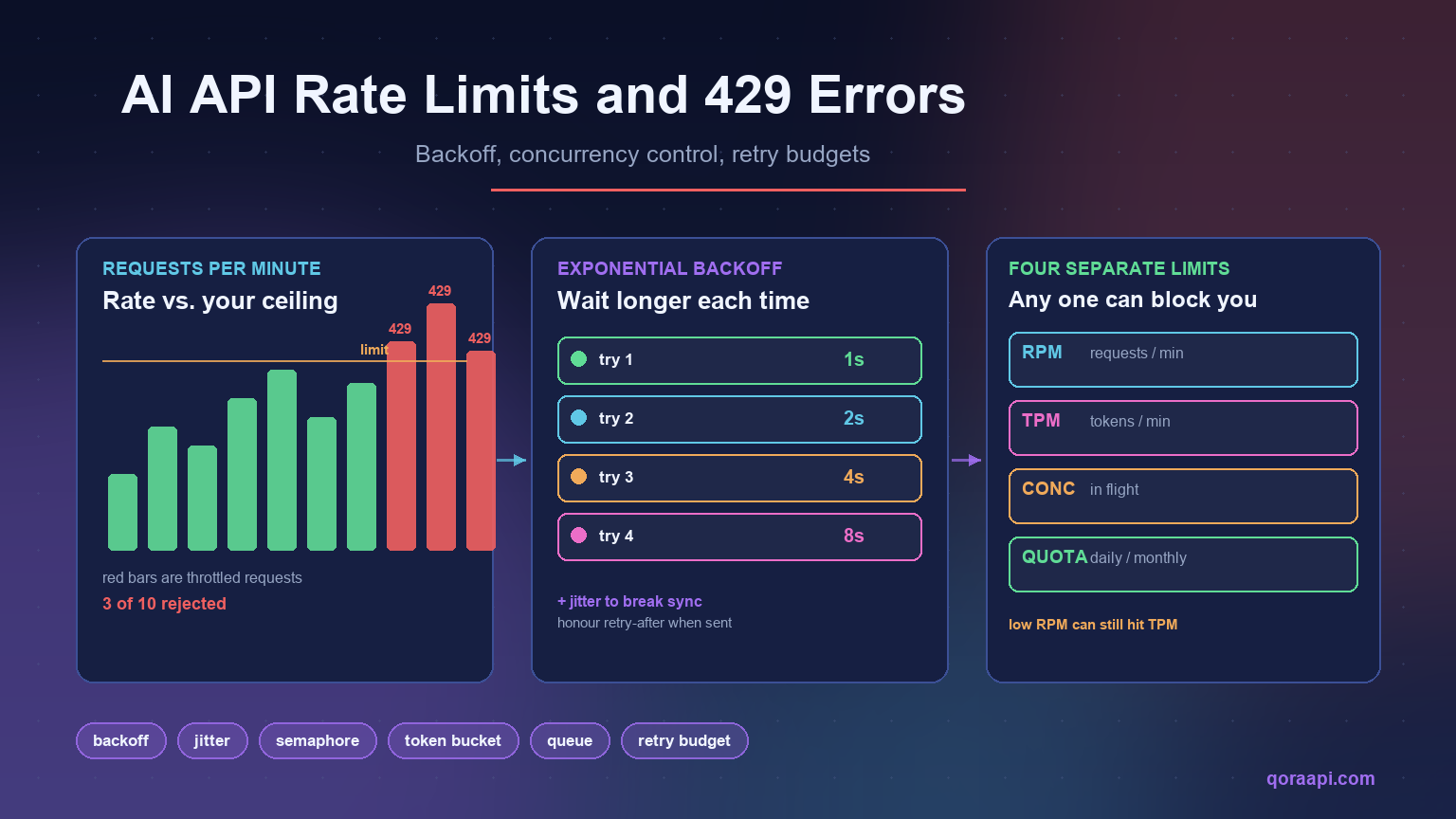
retry-afterstill applies to streaming. See handling AI API rate limits for the broader pattern.
Streaming checklist
- Enable
stream: trueon every interactive surface; leave it off for background jobs. - Render tokens to the UI as they arrive, not in one batch at
[DONE]. - Buffer SSE frames across reads — never assume a network read delivers a complete event.
- Configure the proxy (Cloudflare, nginx, load balancer) to flush streaming responses immediately.
- Support streaming decompression if the response is gzipped.
- Retry only before the first byte has been emitted to the user; never after.
- Set a
max_tokensceiling so a runaway stream cannot bill indefinitely. - Surface a clear error when the connection drops before
[DONE]instead of leaving the UI in limbo. - If you combine streaming with function calling, accumulate the tool call across the stream and dispatch once the model finishes.
- Watch rate limits and back off with jitter — streaming responses still count against your quotas.
Frequently asked questions
Does streaming reduce AI API costs?
No. You are billed for every token the model produces regardless of how the response is delivered. Streaming changes when the bytes reach you, not how many tokens the model emits. See our guide to reducing AI API costs for the patterns that do.
Is streaming faster end-to-end?
No. The total time to generate a response is the same — streaming only shortens the wait before the first token arrives. For a 500-token answer that takes four seconds, total time is still four seconds, but the user sees the first token in roughly 200ms instead of after the full generation.
Do I need an SDK to consume a stream?
No. Plain fetch with a streaming body works fine — every modern runtime exposes a ReadableStream or equivalent. The SDKs add conveniences like automatic buffering and tool-call accumulation, but the wire protocol is just Server-Sent Events and can be parsed with a few lines of code.
Why does my streaming response arrive all at once?
Almost always a buffering proxy. Cloudflare, nginx (with proxy_buffering on), and most load balancers buffer the entire response before forwarding it, which silently turns streaming into non-streaming. The fix is at the proxy: X-Accel-Buffering: no for nginx, or a streaming-friendly Cloudflare configuration for that path.
Can I stream with function calling?
Yes — but the tool call itself is delivered as a complete structured object, not as a stream of tokens. What streams is the model’s reasoning before the call and the final text after. Accumulate the tool-call deltas across the stream and dispatch the function once the stream ends. See our function-calling guide for the full pattern.
Can I retry a streaming request that drops mid-response?
Only if no bytes have reached the user yet. Once the first token is on screen, retrying the same request bills twice for the same answer. The pattern is: retry on connection error before any UI rendering, and surface a “connection lost” message after.
How do I know how many tokens a stream produced?
Most providers include a final chunk with usage statistics (prompt, completion, total tokens). The OpenAI SDK returns it on the last chunk under chunk.usage. Capture it there, log it, and use it for cost tracking — see our cost guide for how to wire that into a per-task dashboard.
Is the SSE format the same across providers?
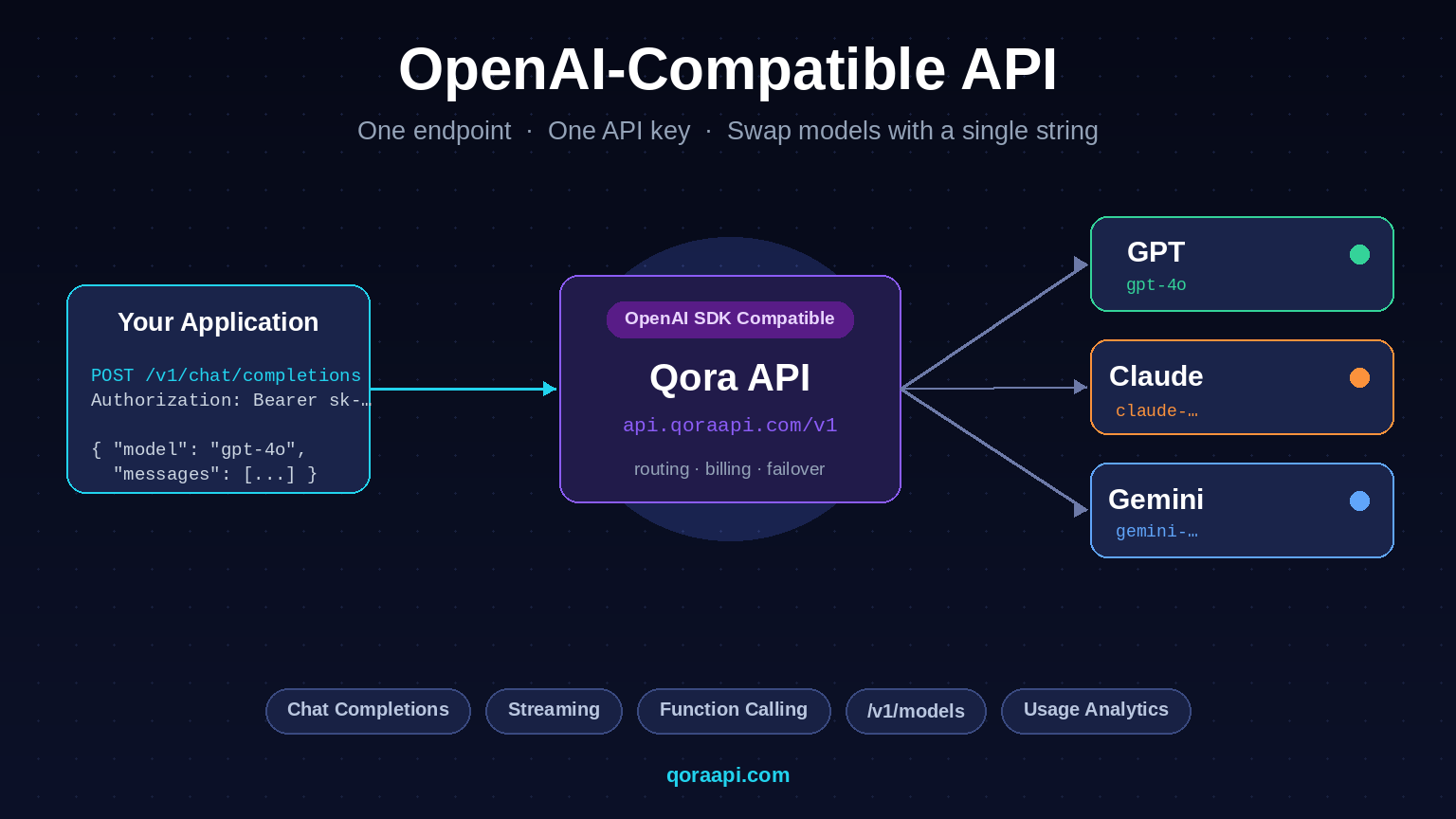
The wire framing (event blocks, data: lines, [DONE] terminator) is essentially the same — Server-Sent Events is a standard. The shape of the JSON payload inside each event varies; OpenAI-compatible endpoints use OpenAI’s shape, others use their own. Our guide to the OpenAI-compatible API explains the wrapper tradeoffs when you call more than one provider.
Streaming is the smallest change you can make that produces the largest perceived speedup. Enable it on every interactive surface, render tokens as they arrive, and watch for the usual edge cases — buffering proxies, gzip, lost connections. The cost of streaming is the same as non-streaming, the total time is the same, and your users will think the application is twice as fast. If you want to test it against multiple providers with the same code, create a key at qoraapi.com and your existing OpenAI client streams through the relay unchanged.
Related reading
- Building a Streaming Chat UI in React: Patterns for SSE Responses
- How to Build an AI Chatbot with the API
- Load Testing LLM Apps: Throughput, TTFT, and Concurrency
- Multimodal AI APIs: Working with Vision and Audio
- Text-to-SQL: Letting Users Query Your Database with AI
- Building Voice AI Apps: TTS, STT, and Realtime APIs
- How to Choose a Vector Database for RAG
- AI Gateway vs API Gateway: Key Differences and When to Use Each
- How to Connect Cursor, Cline and Continue to a Custom AI API Endpoint
- Ultimate Guide: How to Choose the Best AI API Gateway in 2026
- AI API Data Privacy & GDPR: Residency, Logging, and Keeping Prompts Safe